Network Attached Storage (NAS)
Offers updated on: 12/06/2026. Paid and non-exhaustive ads
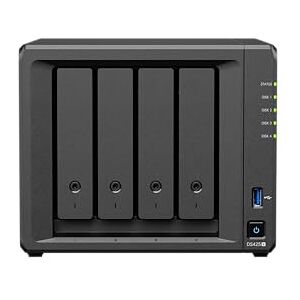


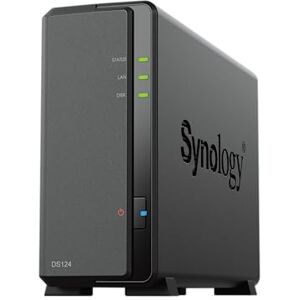

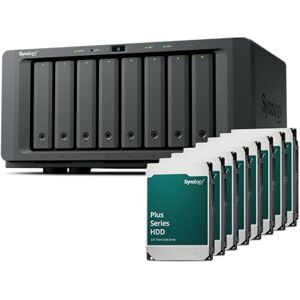


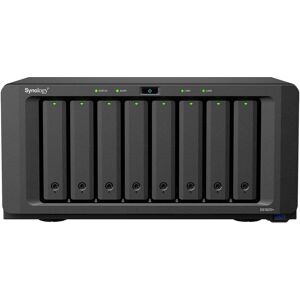


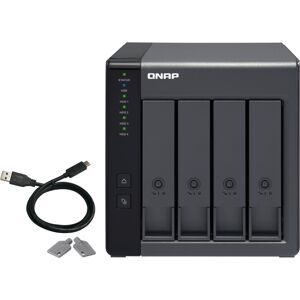


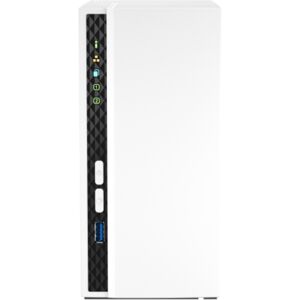

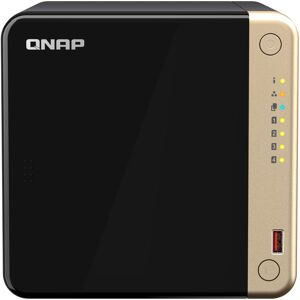
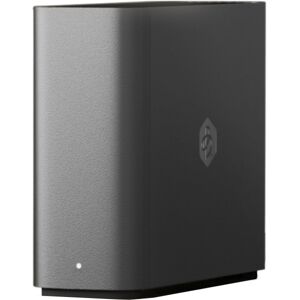


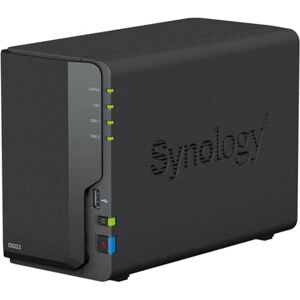
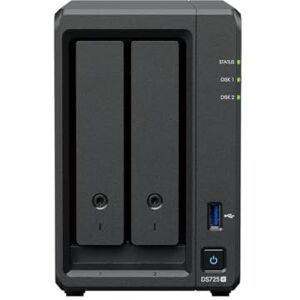


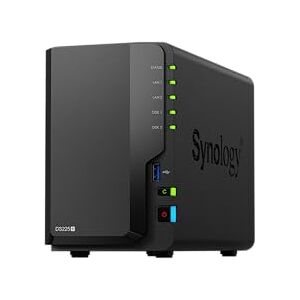


Understanding Network Attached Storage (NAS): An Overview
Network Attached Storage (NAS) is a dedicated file storage solution that connects to a network, allowing multiple users and devices to access and share data seamlessly. Unlike traditional external hard drives, which typically connect to a single computer, NAS devices serve as centralized repositories for files, making them ideal for homes and businesses that require efficient data management. Users can store, back up, and retrieve files from any device connected to the network, whether it’s a computer, smartphone, or tablet.
The importance of NAS cannot be overstated, especially in today’s data-driven world. For individuals, NAS provides a convenient way to store large media libraries, such as photos, videos, and music, ensuring that valuable memories are preserved and easily accessible. Small businesses benefit from NAS by streamlining data sharing among employees, enhancing collaboration, and providing secure backup solutions to protect against data loss. Enterprises leverage NAS for its scalability and robust features, allowing them to manage vast amounts of data efficiently while ensuring high availability and security.
Types of NAS Devices
When considering NAS devices, it’s essential to understand the different types available to cater to varying needs.
- Enterprise NAS devices are designed for large organizations that require high performance, extensive storage capacity, and advanced features. These systems often support multiple drive bays, allowing for large RAID configurations, and are equipped with powerful processors and ample RAM to handle significant workloads and multiple users simultaneously. Use cases for enterprise NAS include hosting virtual machines, managing databases, and serving as backup solutions for critical business data.
- Small Business NAS options provide a balance of features tailored for small to medium-sized businesses. These devices typically offer sufficient storage capacity, user-friendly interfaces, and essential security features without the complexity of enterprise solutions. Small businesses can use NAS for file sharing, automated backups, and even as a media server for presentations and marketing materials.
- For home users, Consumer NAS devices focus on simplicity and ease of use. These models are perfect for media storage, personal backups, and streaming content to various devices in the home. Many consumer NAS devices come with user-friendly apps that simplify setup and management, making them accessible even to those with limited technical expertise.
Key Features to Evaluate When Buying NAS
When shopping for a NAS, several key features should be evaluated to ensure the chosen device meets your needs.
- Storage Capacity is paramount. Look for NAS devices with multiple drive bays, as this allows for greater storage potential and the ability to configure RAID for data redundancy. A device with at least two bays is recommended for those who want to set up a RAID 1 configuration, which mirrors data for increased reliability.
- Performance Metrics are also crucial. The processor and RAM of a NAS significantly impact its ability to handle multiple tasks and users. For example, a dual-core processor with 2GB of RAM may suffice for home use, while businesses might require a quad-core processor with 8GB or more to support higher demands.
- Data Reliability features, such as RAID configurations, play a vital role in protecting your data. RAID setups provide redundancy, ensuring that even if one drive fails, your data remains intact. It’s essential to understand the different RAID levels and choose one that aligns with your data protection needs.
- Security Measures are critical in today’s digital landscape. Look for NAS devices that offer encryption, secure access controls, and regular firmware updates to protect against vulnerabilities. A NAS that supports VPN access or has built-in firewall capabilities can provide an additional layer of security.
- Connectivity Options are also worth considering. Ensure the NAS has multiple Ethernet ports for link aggregation, USB ports for external backups, and, if needed, Wi-Fi capabilities for easy access without wired connections.
- Lastly, User Experience is important. A NAS with a user-friendly interface and straightforward setup process can save time and frustration, especially for those less tech-savvy.
Assessing Your Storage Needs
Before making a purchase, it’s vital to assess your current and future storage needs. Begin by evaluating how much data you currently have and anticipate your growth over the next few years. For individuals, consider the types of files you store—photos, videos, documents—and estimate their sizes. For businesses, think about the volume of data generated and shared among employees, as well as any regulatory requirements for data retention.
Performance requirements should also be taken into account. If you plan to have multiple users accessing the NAS simultaneously, or if you’ll be running applications that require high-speed access to data, opt for a NAS with higher performance specifications. For example, a NAS designed for media streaming might require more robust hardware to handle the demands of 4K video transcoding.
Understanding RAID Configurations
RAID (Redundant Array of Independent Disks) configurations are essential for ensuring data reliability and performance in NAS devices. Understanding the different RAID levels can help you choose the right setup for your needs.
- RAID 0 offers improved performance by striping data across multiple drives but provides no redundancy; if one drive fails, all data is lost. This setup is suitable for users who prioritize speed over data security, such as those working with large video files.
- RAID 1 mirrors data across two drives, providing redundancy. If one drive fails, the data remains accessible on the other. This is a great option for home users and small businesses looking for a balance between performance and data protection.
- RAID 5 requires at least three drives and offers a good mix of performance, capacity, and redundancy. It stripes data and parity across all drives, allowing for one drive to fail without data loss. This setup is ideal for small to medium businesses that require reliable data protection.
- RAID 10 combines RAID 0 and RAID 1, requiring at least four drives. It provides excellent performance and redundancy but at a higher cost due to the number of drives needed. This configuration is suitable for enterprises with critical data that demands both speed and reliability.
Best NAS Models for Different Budgets
When it comes to selecting a NAS, there are excellent options across various price points to suit different needs.
- For budget-conscious shoppers, the Synology DS220j is a fantastic entry-level NAS. It offers two drive bays, a user-friendly interface, and sufficient performance for home users looking to store and stream media.
- In the mid-range category, the QNAP TS-451+ stands out. It provides four drive bays, supports 4K transcoding, and offers a good balance of performance and features, making it suitable for small businesses and power users alike.
- For those seeking premium options, the Synology DS920+ is a powerhouse. With its quad-core processor, upgradable RAM, and support for various RAID configurations, it’s perfect for enterprises that require high performance and extensive storage capabilities.
Popular NAS Brands and Their Offerings
When shopping for NAS, certain brands stand out for their reliability and performance.
- Synology is renowned for its user-friendly operating system and a wide range of models that cater to both home users and businesses. Their devices often come with excellent software features, making data management a breeze.
- QNAP is known for its robust performance capabilities and unique selling points, such as HDMI outputs for direct media playback. Their NAS devices are well-suited for users who require powerful hardware and extensive multimedia features.
- Asustor offers a diverse range of products that cater to both consumer and enterprise needs. They provide excellent value for money and are particularly known for their multimedia capabilities.
- NETGEAR focuses on performance and remote access functionalities. Their ReadyNAS series is popular among users who prioritize easy access to files from anywhere, making it ideal for those who work remotely or travel frequently.
Additional Considerations for NAS Purchases
When choosing a NAS, consider whether to purchase a diskless model or one that comes pre-populated with drives. Diskless models allow you to choose your drives, which can be more cost-effective and customizable, but require additional setup. Pre-populated models save time and effort, making them suitable for users who want a plug-and-play experience.
Media streaming capabilities are also crucial. Ensure the NAS you choose supports the media formats you plan to use and has the necessary software to stream content to various devices, such as smart TVs and gaming consoles.
Remote access features are increasingly important, especially for users who need to access files while on the go. Look for NAS devices that offer secure remote access options, such as VPN support or mobile apps, to ensure you can access your data securely from anywhere.
Tips for Making an Informed Purchase
To make a confident purchase, it’s essential to research and compare different NAS models. Utilize price comparison tools to evaluate features and prices across various retailers. This ensures you find the best deal without sacrificing quality.
Reading reviews and user feedback can provide valuable insights into real-world performance and reliability. Look for reviews that highlight both strengths and weaknesses to get a balanced perspective on the product.
Finally, consider the warranty and support options offered by the manufacturer. A good warranty can provide peace of mind, while responsive customer support can be invaluable if you encounter any issues with your NAS.
Conclusion and Final Thoughts
In summary, choosing the right NAS involves understanding your storage needs, evaluating key features, and considering your budget. By assessing factors such as storage capacity, performance metrics, and security measures, you can make an informed decision that aligns with your specific requirements.
As you embark on your NAS journey, take the time to evaluate your current and future needs, ensuring that your choice will serve you well for years to come. With the right NAS, you can enjoy seamless data access, enhanced collaboration, and peace of mind knowing your valuable data is secure.
Professionnals
Due to technical constraints, Kelkoo cannot guarantee the complete accuracy, nor the completeness of the information provided by the merchants. As a result, and due to the nature of Kelkoo's activities, in the event of discrepancies between the information displayed on the Kelkoo website or ads and the one displayed on the merchant's website, the latter will prevail. Prices shown are including all fees. - Learn more
 company